|
Getting your Trinity Audio player ready...
|
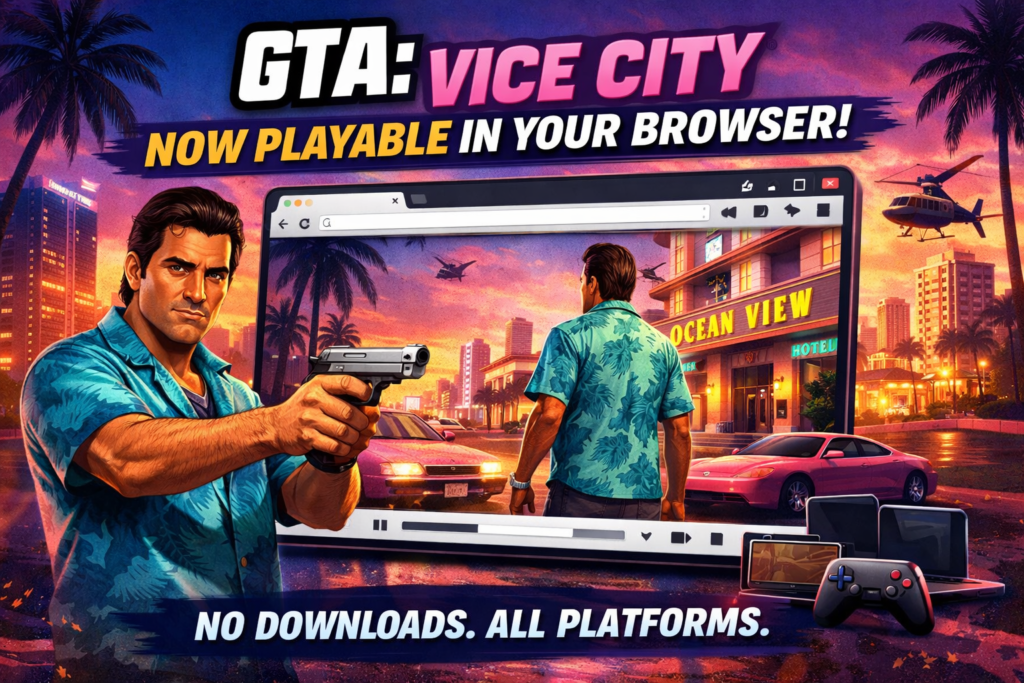
The gaming world recently witnessed something unexpected yet exciting. GTA Vice City, one of the most iconic open-world games ever made, is now playable directly in a web browser. No traditional installation. No heavy system requirements. Just open a browser and play.
However, before getting too excited, it is important to understand what this browser port really is, how it works, and what its limitations are.
This blog explains everything in simple language.
What Is the GTA Vice City Browser Port?
The GTA Vice City browser port is a fan-made technical project, not an official Rockstar Games release. Developers used reverse-engineered open-source engine code and modern web technologies like WebAssembly to make Vice City run inside browsers such as Chrome, Edge, and Firefox.
In simple terms, the game engine runs on a web page instead of your PC or mobile storage.
Is It Official or Legal?
Let’s be very clear.
This browser version is NOT officially released by Rockstar Games.
- The engine code used is open-source and legal
- The game assets (music, characters, map, missions) are still copyrighted
- To stay compliant, only a limited demo is available for free
To unlock the full game, users must prove they legally own GTA Vice City by uploading original game files for verification.
This keeps the project in a legal grey zone rather than outright piracy.
What Can You Play for Free?
The browser port offers a demo version that allows:
- Free roam in Vice City
- Basic missions at the start of the game
- Driving, shooting, and exploration
Once you reach a specific story checkpoint, gameplay stops unless original game files are verified.
So no, this is not a full free GTA Vice City online version.
How to Play GTA Vice City in a Browser (Step-by-Step Guide)
Playing GTA Vice City in a browser is possible thanks to a fan-made Web Assembly port. You don’t need to install the game traditionally, but there are two ways to play: Demo mode and Full game mode (with owned files).
Option 1: Play the Free Browser Demo (No Download)
This is the fastest and easiest way to try the game.
Steps:
- Open a modern browser like Chrome, Edge, or Firefox
- Visit the official browser demo hosted by the project
👉 Playable demo:
https://vc.web.app
(Link may change or be taken down due to copyright) - Allow the page to load all required game data (first load may take 30–60 seconds)
- The game starts automatically in demo mode
- Use:
- Keyboard + mouse on PC
- Touch controls on mobile
- Game controller (recommended for best experience)
What you get in demo mode:
- Free roaming in Vice City
- Early missions
- Driving, shooting, and exploration
⚠️ Limit:
After a specific story checkpoint, the game stops and asks for original game files.
Option 2: Play the Full Game (Legal Ownership Required)
To unlock the complete GTA Vice City experience, you must legally own the game.
What you need:
- A purchased PC copy of GTA Vice City
- Original game files (usually from Steam, Rockstar Launcher, or CD version)
Steps to unlock full version:
- Launch the browser demo
- When prompted, upload your original GTA Vice City game files
- The system verifies file authenticity (checksum validation)
- Once verified, the full game unlocks directly in the browser
✔ No piracy
✔ No cracked files
✔ Fully legal if you own the game
Supported Devices & Requirements
Minimum requirements:
- Any modern browser (Chrome, Edge, Firefox)
- Stable internet connection
- At least 2GB RAM (4GB recommended)
Works on:
- Windows PCs
- macOS
- Android phones
- iPhones & iPads
- Tablets
- Low-end laptops
Controls Guide
PC / Laptop
- WASD – Movement
- Mouse – Camera & aim
- Space – Jump
- Enter / Ctrl – Actions
Mobile
- On-screen joystick
- Touch buttons for actions
Controller
- Fully supported
- Best way to play for smooth experience
Common Issues & Fixes
- Lag or FPS drop: Close background tabs and apps
- No sound: Refresh page and allow audio permissions
- Controls not responding: Switch browser or reconnect controller
- Game not loading: Clear browser cache and reload
Important Legal Notice
This browser port is not official and is not affiliated with Rockstar Games.
The demo exists for technical and educational purposes.
Full gameplay requires legal ownership of GTA Vice City.
Supported Devices and Platforms
One of the biggest highlights of this browser port is accessibility.
It works on:
- Windows PCs
- MacBooks
- Android phones
- iPhones
- Tablets
- Low-end laptops
As long as your device has a modern browser and stable internet, the game runs.
Controls supported:
- Keyboard and mouse
- Touch controls
- Game controllers
Performance and Gameplay Experience
Performance depends heavily on your device.
Pros:
- Surprisingly smooth on mid-range devices
- Fast loading compared to emulators
- No installation required
- Classic Vice City vibe preserved
Cons:
- Occasional audio glitches
- FPS drops on low-end phones
- Controls feel awkward on touch screens
- Not suitable for long gameplay sessions
This port is best seen as a technology showcase, not a replacement for the original PC or mobile versions.
Why This Matters for Gaming
This project proves a powerful point:
👉 Classic AAA games can run directly in browsers
It opens doors for:
- Game preservation
- Cross-platform gaming
- Low-storage gaming solutions
- Future cloud-browser hybrids
However, publishers still control copyrights, so don’t expect official Rockstar browser releases anytime soon.
Should You Try It?
Here’s the honest verdict.
- If you are curious about gaming technology → Yes
- If you want nostalgia without installing anything → Yes
- If you want full Vice City with mods and cheats → No
- If you expect Rockstar-level polish → No
For serious gameplay, the PC or mobile version remains unbeatable.
Final Thoughts
The GTA Vice City browser port is impressive, bold, and innovative. It shows how far web technology has come. But it also reminds us that browser gaming still has limits when it comes to legendary titles.
Treat it as a demo, not a destination.
Vice City belongs on proper hardware, blasting 80s music, not squeezed into a browser tab.
Still, as a proof of concept?
It’s absolutely worth experiencing.